Booking Appointment Questions: 8 AI Call Scripts for 2026

A pipe bursts at 9 p.m. and the plumber's phone rings out. A dental patient calls at 12.40 while the front desk is at lunch. A solicitor's client wants to move Thursday's consultation to next week. Most small businesses can't pick up every one of those calls in real time, and each one is either a booking in the calendar or a customer dialling the next name on the list.
In a physiotherapy customer story, 95% of calls arrived when the front desk was closed or busy. That ratio is normal for a team of two or three people who are also doing the work.
The fix isn't a bigger reception team. It's a set of well-defined booking questions an AI phone assistant can handle end to end, with a clear line about where it stops and a person takes over. What follows are the eight booking questions that cover most inbound booking traffic, each with the exact handling rule, the wording the assistant uses, and the handoff point. Copy the logic into your own script, whether you run a clinic, a law firm, or a two-van electrical business.
1. Checking Availability and Booking a New Appointment

A caller asks for a service visit on Thursday. The assistant checks the calendar, offers two or three openings that fit the job's duration, and books the chosen slot. It collects the caller's name, phone number, address, and reason for the visit, then repeats the appointment details before ending the call.
The wording that closes the booking
Give callers real options, not an empty calendar to sort through: “I can do Thursday at 8 a.m. or Friday at 2 p.m. Which suits you better?” Once they choose, confirm the date, time, address, and reason for the visit in one sentence.
Then make the handoff boundary clear: “I can book a routine service visit. If you need a same-day emergency visit, I'll put you through to the on-call engineer.” The business sets which calls should be transferred; the assistant books what it can handle and passes the rest to staff.
Where staff take over
Send double-booked specialists, multi-day jobs, and requests above the business's set quote value to a person. Include the caller's details and reason for calling in the handoff so staff can act without asking the caller to start again.
Bookings respect job durations and buffer times, and the assistant offers only free slots in the business's calendar. See how appointment booking and calendar integration works.
2. Rescheduling an Existing Appointment
The call that hurts most isn't a new enquiry. It's the booked customer who wants to move and can't get through. When changing an appointment means starting over with someone who has no record of the original booking, plenty of customers don't turn up instead.
That friction is measurable. A 2025 MGMA poll reported that 27% of medical practices saw no-shows increase, and its analysis flagged reminders that can't be replied to, locked patient portals, and language and access barriers as compounding risks (MGMA stat on patient no-shows in 2025). A customer who can't answer a message, or can't get into the system to change a time, keeps the no-show and skips the conversation.
Verify, then move
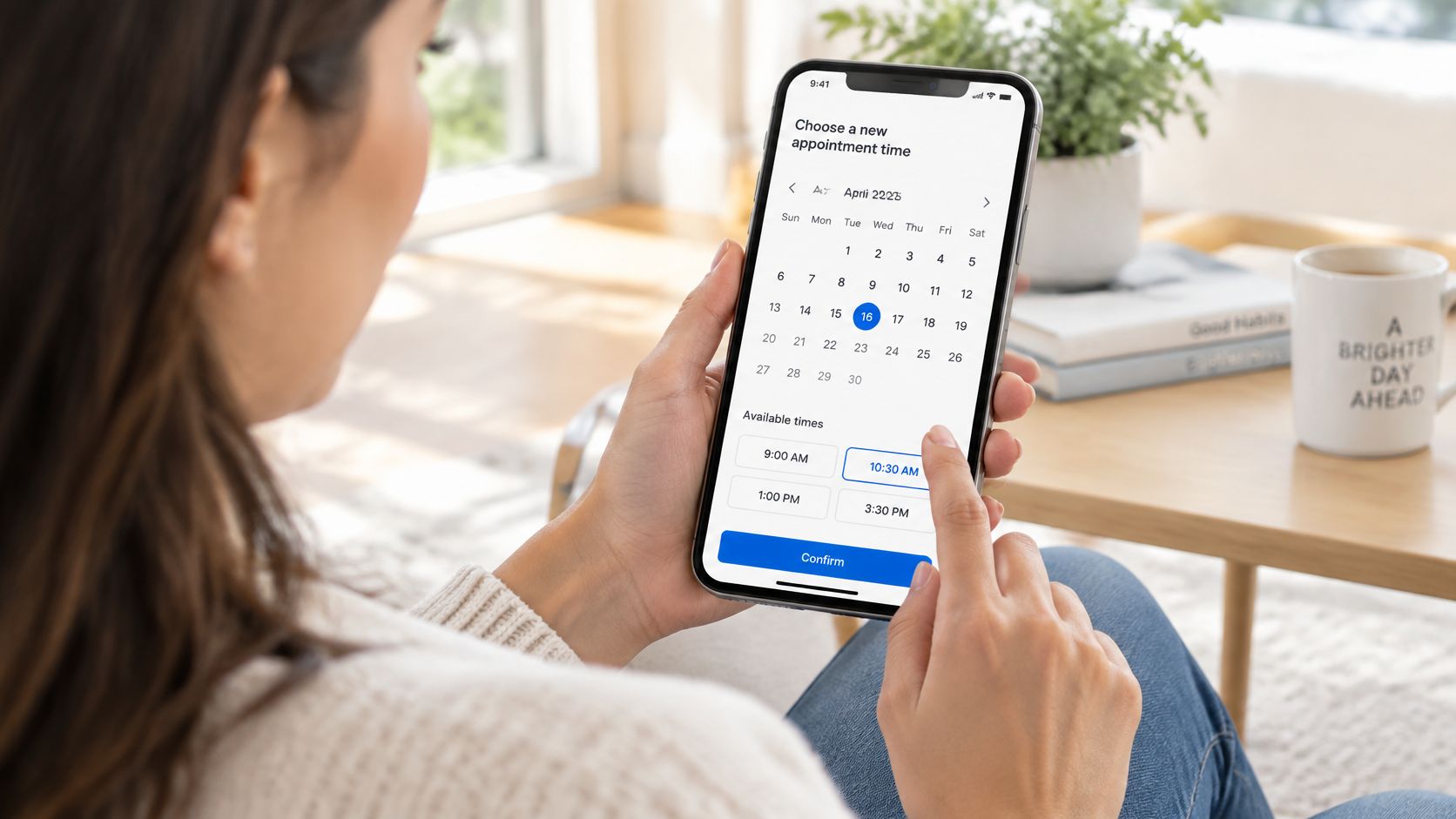
Identity first: full name plus date of birth, booking reference, or a phone number that matches the record. Then the assistant restates the existing booking, offers two or three alternatives, and writes the change straight into the calendar. Same call, no callback queue, no "someone will ring you back."
- Check for linked items. A moved consultation may drag a follow-up, a parts order, or a second site visit with it. Flag those for staff instead of breaking the sequence.
- Keep the reason. Weather delay, work conflict, transport, illness. Four options beat a free-text field nobody reads.
- State the notice rule once. If your policy sets a minimum notice period, the assistant says it plainly and applies it where the rules allow.
- Escalate on tone. A caller mentioning a complaint, a deadline, or a change in urgency needs a person, not a slot finder.
A contractor's crew shifts a site survey by a day after a weather delay. The client gets an SMS with the new time and the address, and nobody in the office touches it. That's the whole point of putting this question on the assistant rather than on a voicemail box.
3. Cancelling an Appointment and Filling the Gap
A customer calls a physiotherapy clinic to cancel a session scheduled for that afternoon. The assistant should confirm the appointment, apply the clinic's cancellation rules, and record the reason. If a replacement can be booked or a waitlist process is configured, it can handle that next. Refund disputes and other exceptions belong with a person.
Online appointments accounted for 22.8% of private-practice bookings and 7.2% of hospital bookings, according to a 2025 market analysis of scheduling apps. Those figures describe online booking, not how cancellations arrive. Set up the phone flow around your own cancellation policy and calendar.
Cancel, then fill
- Confirm the booking before changing it. “I've found your appointment for [date and time]. Would you like me to cancel it?” Once the caller confirms, the assistant cancels it and states the applicable policy in plain language.
- Ask for the reason after the cancellation. “Your appointment is cancelled. May I record why?” Use a fixed list, such as cost, timing, transport, recovered, or other. If the caller raises a dispute, transfer them or arrange a callback under your rules.
- Offer a replacement only if the calendar allows it. The assistant can book a newly available time that fits the business's job duration and buffer rules. If staff need to contact a waitlist, record the request and pass it to them rather than promising that a slot is filled.
- Send a written summary. The business receives a call summary by email, including who called, what they wanted, and what was booked or promised.
For a clinic, that means the caller hears whether the cancellation is complete and what happens next. Staff receive the reason and any request that needs follow-up, without the assistant promising a refund or a replacement it cannot confirm.
4. Confirming Appointment Details and Directions
A customer booked a visit six weeks ago. On Thursday, they may remember the time but not which entrance to use. A clear confirmation prevents a small uncertainty from turning into a missed appointment or a failed service call.
An analysis of 73,811 appointments recorded 12,392 missed visits and found that appointments booked more than one month in advance were 7.1 times more likely to become no-shows than same-day bookings (study of appointment timing and no-shows). The same study reported these relative risks by lead time:
| Time between booking and appointment | Relative risk of a missed visit |
|---|---|
| One day | 2.4 times |
| Two weeks | 1.7 times |
| Two weeks to one month | 1.2 times |
| More than one month | 7.1 times |
Read it back, don't assume
The assistant confirms the date, time, location, and name of the person the caller will see. Then it gives the approved access instructions: parking, entrance, key safe, buzzer, or lift. Keep those details in one approved document so the caller gets the same answer each time.
- Repeat the phone number and address. Ask the caller to confirm both. A transposed digit or incomplete address can leave a technician unable to reach the customer.
- Send the appointment summary by email. Include the time, address, arrival window, and anything the caller needs to bring.
- Set a boundary when details are missing. The assistant can say, “I don't have the parking permit details. I'll ask the team to call you back.” It should then pass the question to staff.
- Set a rule for long lead times. For appointments booked weeks ahead, decide whether the business wants a staff member to call and confirm the details.
A plumbing company's assistant confirms a home visit, explains that the customer should park on the left side of the building, and gives the key-safe location. If it cannot verify an access detail, it should take a callback request rather than guess.
5. Sending Reminders and Handling Confirmations to Reduce No-Shows
A reminder should make the next step clear and give the caller a simple way to respond. In a 2024 study covering France and the United Kingdom, general-practice appointments were commonly unattended at rates of approximately 5% to 10%. In the study's own dataset, 53 of 1,092 appointments were missed, a 4.9% non-attendance rate. By clinician, the rates were 3.6% with attending physicians, 4.0% with locums, and 10.3% with interns (study of missed appointments in France and the UK).
A 2025 peer-reviewed healthcare study found a median no-show rate of 1.8% for appointments booked online, compared with 5.9% for appointments booked offline (study comparing online and offline booking no-show rates). These healthcare figures are benchmarks, not forecasts for other businesses. Track your own bookings and missed appointments to judge whether reminders are helping.
Reminders that get answered
Send two reminders: one 48 hours before the appointment and another two hours before. Each message should offer a clear action, such as confirming, cancelling, or requesting a change. Too many reminders can prompt callers to mute your messages.
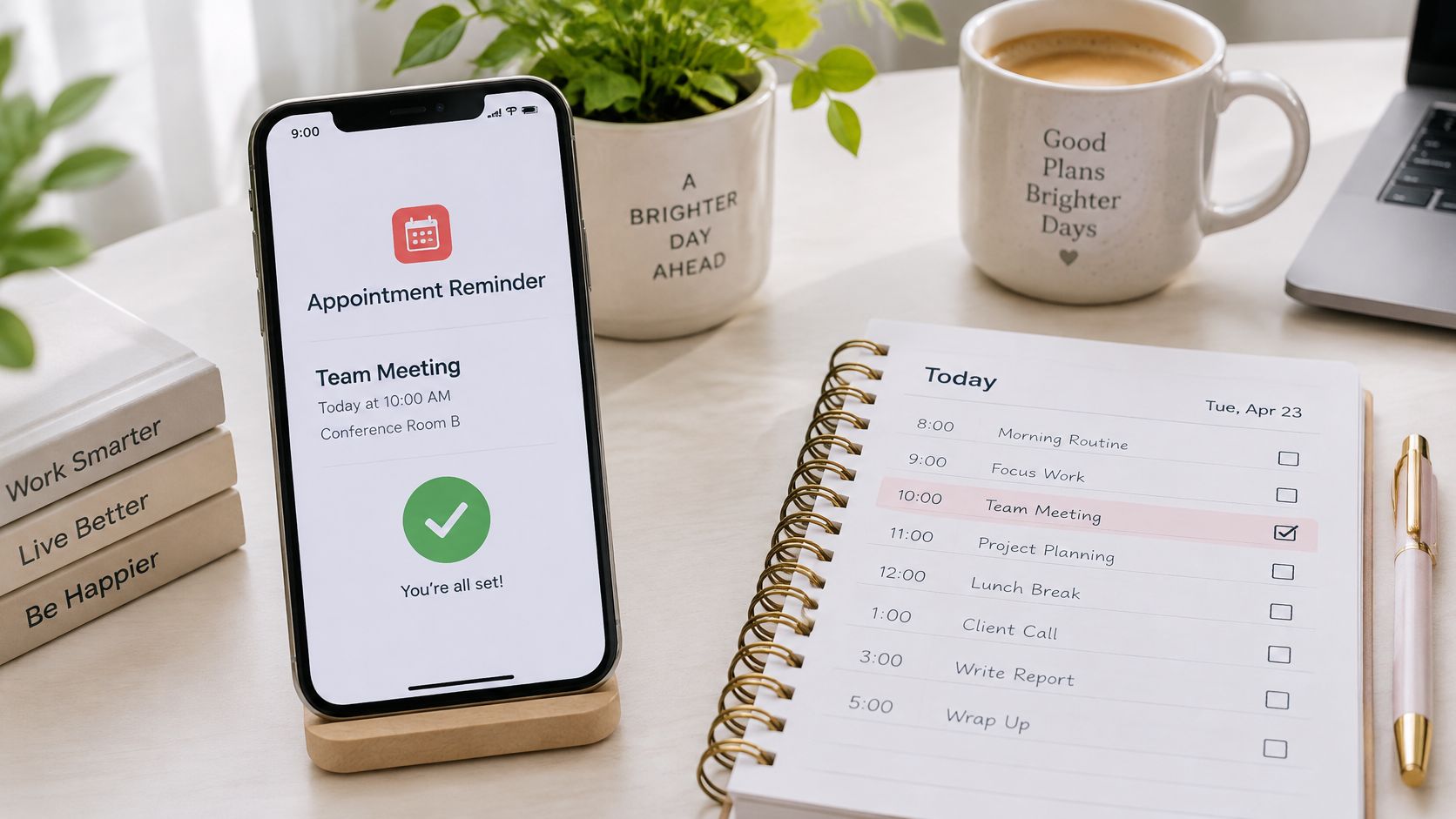
- Use one-word replies: “Reply 1 to confirm, 2 to cancel, 3 to change.” Keep the response route simple.
- Set a human handoff: If a high-value booking has no reply 24 hours before the appointment, have the assistant call. If the caller needs help it cannot provide, route the request to staff.
- Record messaging consent: Get explicit opt-in and log when it was given.
- Escalate unresolved bookings: Send bookings still unconfirmed the day before to a staff member, along with the caller's details and appointment information.
For ready-to-adapt wording, see these appointment booking message examples.
6. Answering Pre-Appointment Questions and Giving Price Ranges
Half the calls that start with "how much" turn into bookings if the answer is quick and honest. The assistant answers price ranges, typical durations, preparation steps, and the documents to bring from an approved sheet, then offers the slot in the same breath.
Speed matters because the queue is long. The 2025 AMN Healthcare Survey of Physician Appointment Wait Times found the average time to schedule a physician appointment was 31 days across 15 major U.S. metropolitan areas (MGMA summary of new-patient appointment wait times). A caller weighing three providers doesn't wait two days for a price.

Quote ranges, never finals
"Standard call-out is the published rate, and a full quote needs an on-site inspection, which I can book now." That sentence books work. An invented final price books a dispute instead.
- Label estimates as estimates. Every single time, in the same words, so nobody hears a promise.
- Answer the duration question. "About 90 minutes" changes whether someone books a morning or an afternoon off work.
- List what to bring. ID, referral, insurance name, previous paperwork. Say it once on the call, send it once by message.
- Hand off professional judgement. Anything medical, legal, or safety-related goes to a qualified person with a callback time, never to a script.
A roofing company's assistant gives the standard call-out fee and explains that a full quote requires an on-site inspection, then books the inspection. A solicitor's assistant explains which documents a client should bring to a first meeting and books the slot on the same call. No email chain, no chasing.
Review your top ten questions monthly and add approved wording for each one. That sheet is the product.
7. Triaging Urgent Requests and Escalating to Human Staff
A caller says, “The fuse box is sparking.” The assistant should recognize the configured emergency trigger, give the business's approved safety instruction, and transfer the call to the on-call person. Those calls need a transfer, not a booking.
The escalation layer
Write the triggers and handoff rules in plain language so the assistant can tell urgent calls from routine requests. Set the business's emergency list in its own words. Calls outside that list can be booked or logged as requests.
- Set clear transfer triggers. List situations such as gas, smoke, sparking, flooding, chest pain, legal threats, or an existing complaint.
- Give the approved safety instruction. For example: “If there's immediate danger, call emergency services now.” Then follow the business's routing rule.
- Pass context with the handoff. Include the caller's name and number, what is wrong, the urgency, and what the assistant has already asked or promised.
- Offer a human route. Transfer callers who ask for a person, or take a callback request when the right person is unavailable, according to the business's settings.
A Twilio study found that 76% of consumers say the human agent they reach has little or no context about their issue (Twilio research on AI-to-human handoff). A concise summary helps staff pick up the conversation without making the caller repeat everything.
Handoff rule: The assistant gathers and passes on context. A person takes over when the caller needs judgement or the business's rules require a human.
For the electrician, the assistant can identify “the fuse box is sparking” as an emergency, give the approved instruction, and transfer the call to the on-call engineer. Define those routing steps in advance, as outlined in this guide to emergency call routing for small businesses.
8. Booking Appointments in the Caller's Language
A caller asks in Spanish for a roofing estimate. The assistant should continue in Spanish, check the business's calendar, and book an available slot. If the request needs a person, it should transfer the call or take a callback request according to the business's rules.
rednea handles calls in English or Spanish, depending on how the caller speaks. Keep the booking rule consistent across both: confirm the job type, check the calendar's available slots, and repeat the appointment details in the caller's language.
What changes in practice
- Use clear booking language. “I can book an estimate. What's the address, and which days work for you?”
- Keep staff informed. After the call, the business receives an email summary with the caller's name, cell number, address, what is wrong, and what was booked or promised. The summary is written in the language the business configures.
- Set a human handoff point. If the caller asks for a person or the assistant cannot handle the request, it transfers the call or records a callback request, depending on the business's settings.
- Check the caller's understanding. Before ending, repeat the appointment time and ask whether the caller wants anything clarified.
The same calendar can hold appointments booked in either language. Staff can focus on the work order and the promised next step, while the caller hears a clear confirmation in English or Spanish. For more examples of how booking calls are handled, see this guide to call booking and customer service.
How the eight booking tasks compare on benefit, limits and typical use
Use this table to set a handling rule for each task. The handoff trigger is as important as the booking outcome: routine requests can follow defined rules, while exceptions need a person.
| Booking task | Operational benefit | Limit to set | Handoff trigger or setup rule |
|---|---|---|---|
| Checking availability and booking a new appointment | Fills eligible calendar slots without staff handling each request. | Only offer times that match job durations and buffer times. | Set job types, durations and availability; route unusual requests to staff. |
| Rescheduling an existing appointment | Keeps the calendar current when a caller needs a different time. | Change only the caller's own booking, using the business's process for confirming identity. | Transfer unclear booking records or disputed changes to a person. |
| Cancelling an appointment and filling the gap | Makes a cancelled time available for another booking. | Do not resolve fee disputes or complaints automatically. | Route disputes and complaint-related cancellations to staff. |
| Confirming appointment details and directions | Gives callers a consistent record of the appointment. | Use current business-approved details; do not guess about access or special requirements. | Take a message or transfer questions the assistant cannot answer. |
| Sending reminders and handling confirmations to reduce no-shows | Gives callers a chance to confirm or raise a scheduling issue. | Set reminder timing and messaging rules to match the business's process. | Route replies that request a change or raise a problem to the right person. |
| Answering pre-appointment questions and giving price ranges | Helps callers decide whether to book using approved information. | Give only prices and answers the business has supplied. | Transfer requests for a firm quote or professional advice. |
| Triaging urgent requests and escalating to human staff | Gets urgent calls to the right person and records the caller's request. | Define emergencies in the business's own words. | Transfer listed emergencies; take a message or forward calls the assistant cannot handle. |
| Booking appointments in the caller's language | Lets callers complete booking in a language the assistant supports. | Keep answers and booking rules consistent across languages. | Transfer requests the assistant cannot understand or resolve. |
Start With One Call Type and Let AI Handle the Rest
Start with the call type that most often ends in voicemail or interrupts staff. For a trades business, that may be a new appointment request after hours. For a clinic, it may be a rescheduling call. Configure that path first, then review the call summaries and adjust the rules before adding another.
Write the answers before you touch the software
Record your business name, hours, service area, appointment types and durations, and the questions callers ask every day. Define emergencies in plain language, too. Set out which calls the assistant can handle, which it should book or log, and which it must transfer or leave for a callback.
Give it clear limits. For example, routine appointment requests can be booked, while a complaint or a question requiring professional judgement goes to staff. That keeps the assistant useful without asking it to make decisions your team should own.
Test with real calls
Start with one call path and review what happened. Check that the assistant offered only available appointment times and that the details in each email summary are clear enough for staff to follow up.
- Check bookings. Confirm that appointment types and durations match your calendar settings.
- Check handoffs. Make sure calls that your rules say to transfer reach the right person. If that person is unavailable, the assistant can take a callback request.
- Check summaries. Confirm that staff can see who called, what they wanted, and what was booked or promised.
- Check unresolved questions. Add a clear answer or handoff rule for anything the assistant could not handle.
You can call rednea's live demo number before paying anything to hear how the assistant sounds and behaves. Setup starts with your existing number and call forwarding, followed by your business details and call-handling rules.
Keep the humans where they matter
Let the assistant handle routine calls and booking tasks. Set a clear handoff for emergencies, complaints, unusual requests, or any question that requires human judgement. Callers hear the business name, get help with what can be handled, and are transferred or offered a callback when staff need to step in.
rednea answers calls around the clock, books appointments directly into the business's calendar, and emails a structured summary of each call. It continues in English or Spanish depending on how the caller speaks, and transfers calls according to the business's rules. Visit rednea to hear the assistant on a live demo line before you set anything up.
Try rednea, no strings attached
AI phone assistant for business. Hear a live demo in your browser, book a call with our team, or get started — from £90/month, cancel monthly, no minimum term.
GDPR-compliant · EU & UK GDPR · Multilingual