8 Appointment Booking Message Templates You Can Copy Today

You're on a ladder, under a sink, or treating a patient when the phone rings. You can't answer, the caller won't leave a voicemail, and by the time you're free they've already called someone else. That's the visible loss. The quieter loss happens after someone does book, when nobody confirms it, nobody reminds them, and a cancellation leaves a hole nobody fills.
An appointment booking message fixes each gap in a few lines. It confirms what was agreed, gives the customer a simple way to change it, and writes the result back into your calendar. You don't need a big system to start. The details already sit in the booking record, and AI is good enough today to draft, send, and route these messages while your team handles judgement calls.
The eight templates below work as a system, not as loose copy. Confirmation comes first, then reminder, recovery after a missed call, rescheduling, callback, escalation, and slot filling. Copy the wording, change the names and times, and test each one on real bookings before you switch it on for everyone. Start with one. Add the next when the problem it solves shows up in your calendar.
1. Instant Booking Confirmation Message
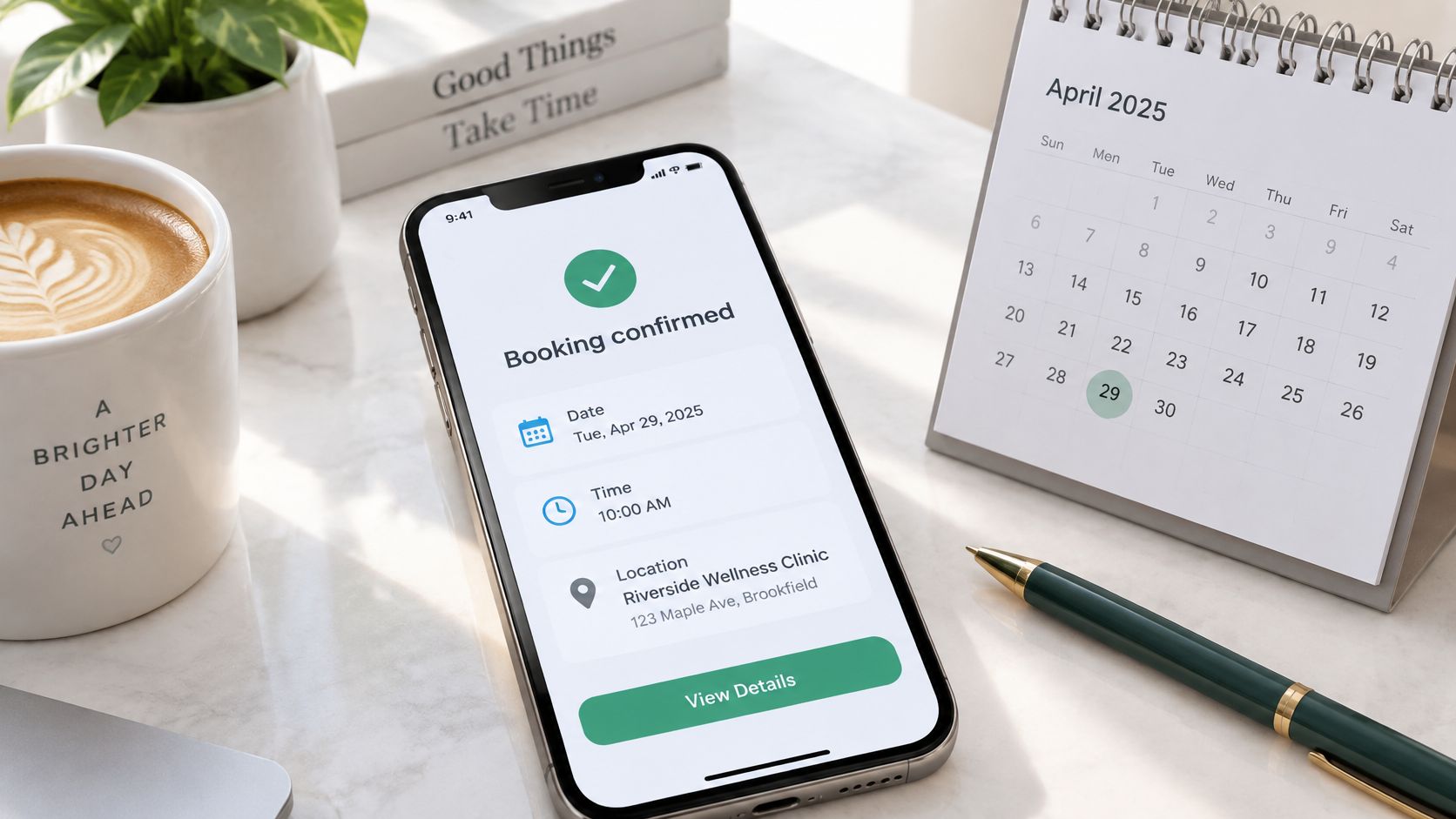
Send this the moment a booking is made, whether it came from a phone call, web form, or chat. The customer gets proof the booking went through, and your staff skip the follow up call asking the same question. It's the easiest place to start because AI only has to format details you've already collected.
Copy this wording
Hi Sarah, your boiler service with Mike's Heating is confirmed for Tuesday 14 May between 9:00 and 11:00 at 12 Oak Lane. Please clear access to the boiler. Reply CHANGE to reschedule or call 01234 567890.
A dental version works the same way. "Your check-up with Dr Patel is booked for Thursday at 2:30pm. Please arrive 10 minutes early to complete a short form." A law firm can add a case reference and a video link instead of an address. For more wording variants, see this guide to a text message to confirm an appointment.
The evidence for doing this at all is old and solid. The Cochrane review of mobile phone messaging reminders found attendance reached 78.6% with mobile messages compared with 67.8% with no reminder.
- Keep it under 300 characters: It should read as one clear SMS, not a letter.
- Use the name customers recognise: Your trading name, not a software or sender name.
- Always offer a human route: Add a phone number or a reply keyword that reaches staff.
- Test before launch: Run it on a handful of real bookings and check every field fills correctly.
2. 24-Hour Reminder with Confirm or Reschedule Reply
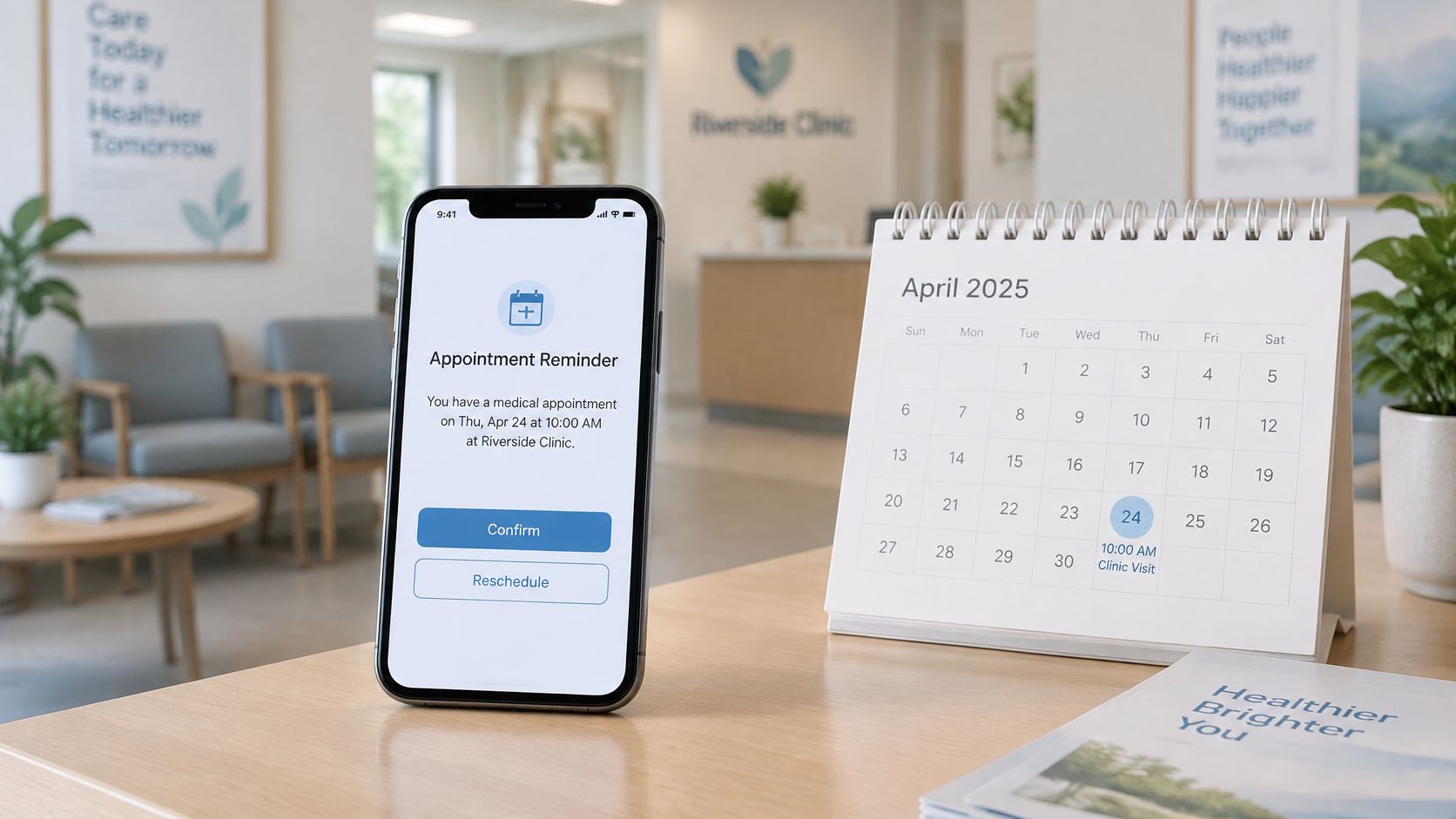
A confirmation proves the booking exists. A reminder a day before proves the customer still intends to show up. Ask for a reply, and you've turned a one way notice into useful information for tomorrow's schedule.
Copy this wording
Reminder, your appointment is tomorrow at 10:00. Reply YES to confirm, or CHANGE if you need another time.
Say a solo physiotherapist gets a CHANGE reply at 8pm. The assistant offers two free slots from the calendar, the customer picks one, and staff see the finished change in the morning. An estate agent can use the same reply to confirm a viewing and ask about parking before anyone drives across town.
The payoff is fewer empty slots. In a randomized trial reported in The American Journal of Medicine00108-7/fulltext), SMS reminders cut non-attendance to 26.3% compared with 39.8% for no reminder. That's recovered capacity you can sell or use to catch up.
Keep the choice narrow. Two or three keywords are enough, because a long menu invites replies your rules can't parse. Send one reminder at 24 hours and only add a second, short one two hours before if no-shows stay high. Route every unclear reply to a person during working hours, and track your no-show rate before and after launch so you know whether it's working.
3. After-Hours Missed-Call Text-Back with Booking Link
A roofer on a site on Saturday can't answer the phone safely. A solicitor's office at 7pm has nobody at reception. In both cases the caller doesn't wait. They call the next name on the list, unless your text reaches them first.
Copy this wording
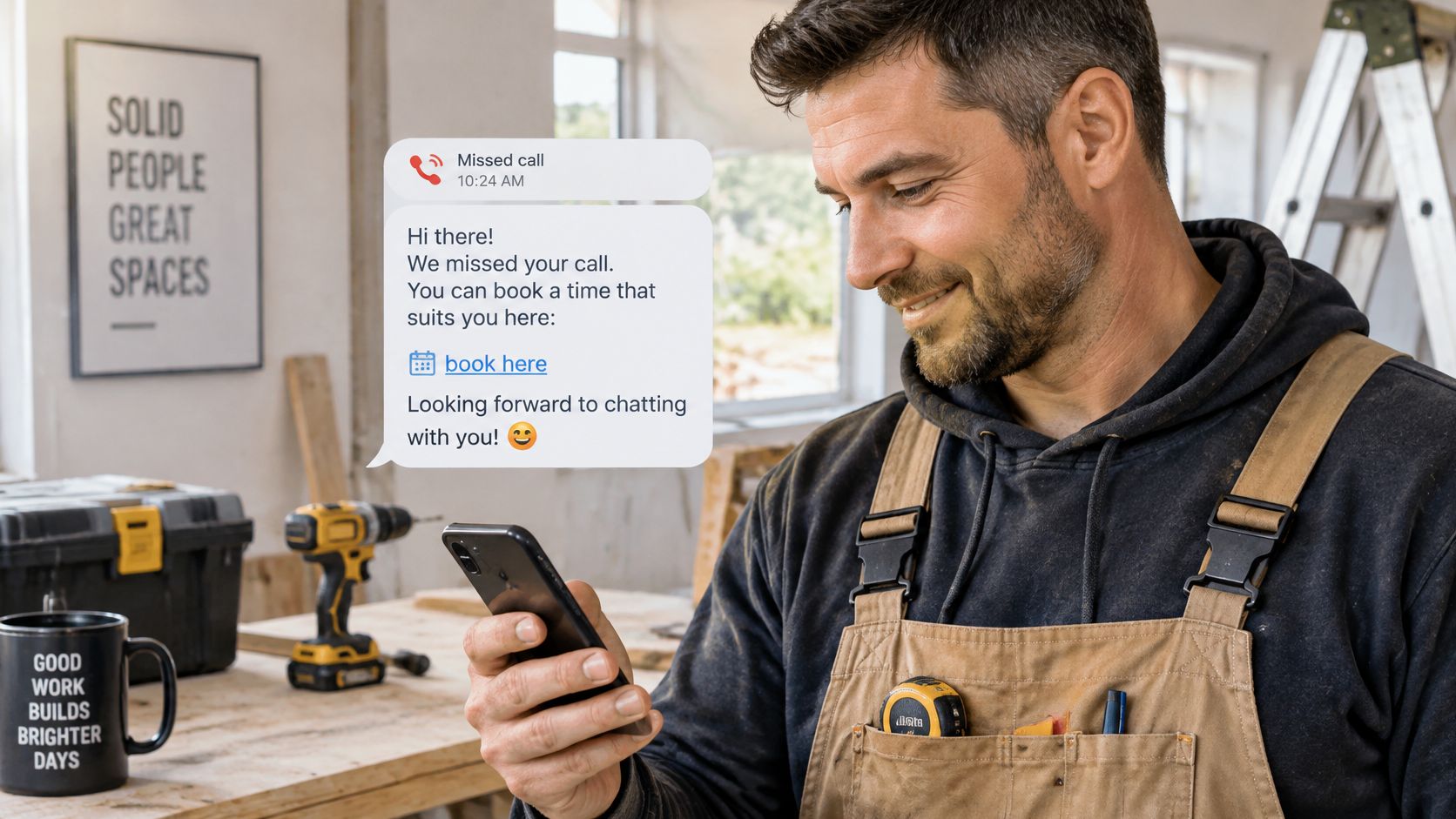
Sorry we missed your call at Riverside Electrics. Book a visit at riverside.example/book or reply with a day that suits you and we will confirm.
Speed matters more than polish here. One industry analysis from Silverthread Labs on missed calls reported that small businesses answered only 37.8% of inbound calls and 85% of callers who reached voicemail did not try again. A text within seconds keeps you in the conversation. A well built missed call text service does this automatically.
Put your business name in the first line so the caller knows who's texting. Check the booking link on a phone, not just a desktop, before you go live. Set a clear rule for who follows up replies when the office opens, because an unanswered reply is worse than no text at all.
Practical rule: Route emergency words like leak, flooding, or no power to a phone escalation, never to a booking link.
I recommend testing this after hours yourself. Call your own number, let it ring out, and time how long the text takes to arrive.
4. Multilingual Booking Confirmation
A customer who struggled through a booking call in a second language shouldn't then receive a confirmation they can't read. Send it in the language they used, and you remove the doubt that leads to no-shows and repeat calls. For trades, clinics, and estate agents in multilingual cities, that's often the difference between a kept job and a lost one.
What it looks like in practice
A Spanish speaking customer books an electrician by phone and receives, "Su cita con el electricista está confirmada para el martes a las 10:00". An Italian homeowner gets a plumbing confirmation in Italian with the address and a reply keyword for changes. A German patient gets a dental reminder in German with the practice name and opening hours.
The commercial reason is blunt. A cross-country study summarized by Simply Contact on multilingual customer support found 76% of consumers prefer product information in their own language and 40% will not buy from companies that do not provide support in their native language. You don't need staff for every language. You need detection at the start and a clean template.
- Build a short glossary: Fix translations for trade or clinical terms like boiler, fuse box, or filling.
- Keep names untouched: Business name, address, and phone number stay in their original form.
- Use local formats: Write 14/05 for European customers instead of a format they'll misread.
- Get one native review: Ask a native speaker to check each template once before launch.
Store the booking itself as structured fields, name, service, date, and time, so staff read the same record whatever language the customer saw.
5. Rescheduling Message with Alternative Slots
Jobs move. Dentists get sick, parts arrive late, customers get stuck at work. The booking isn't lost at that point. It's lost when rescheduling means three phone calls nobody has time to make.
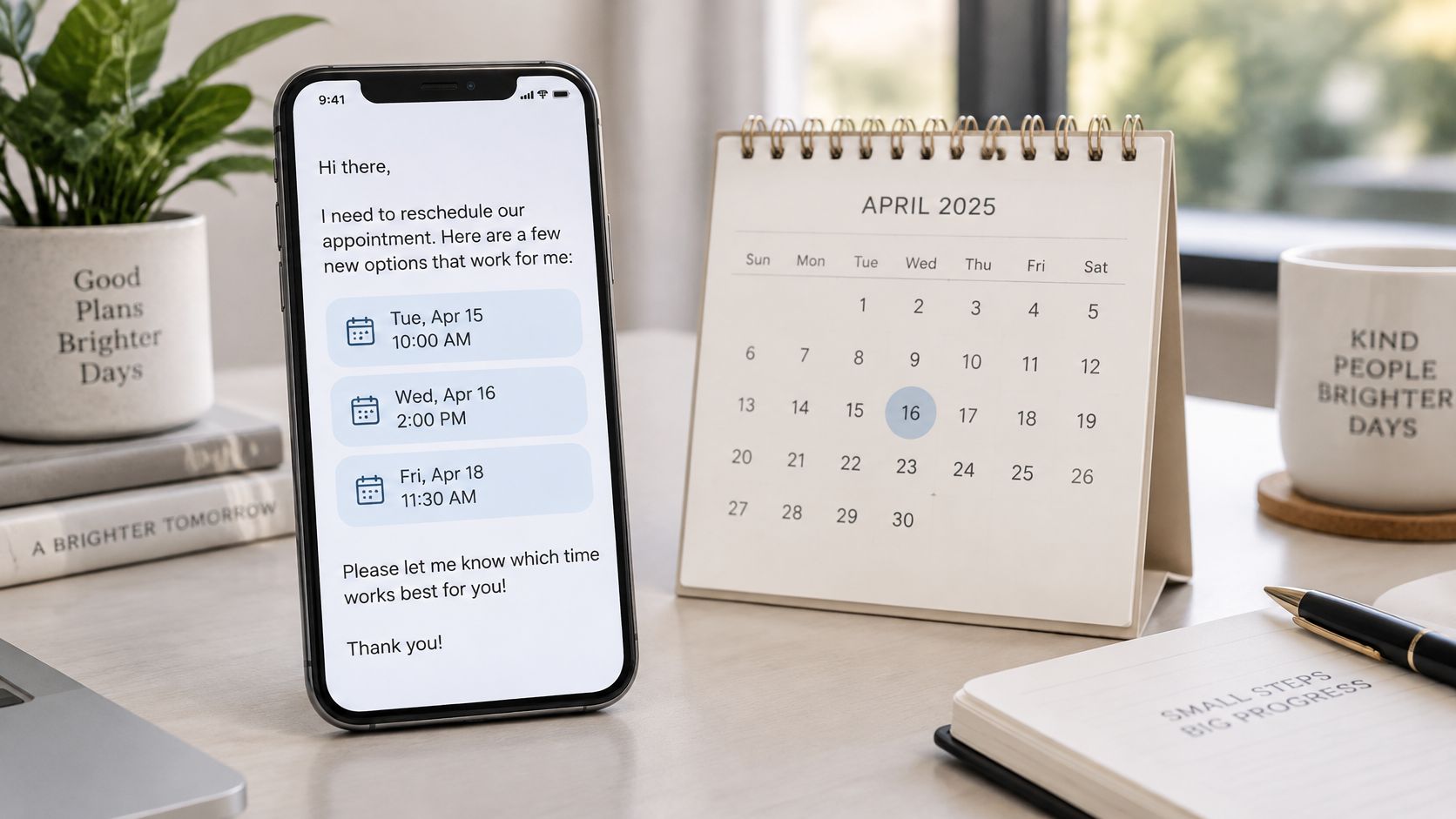
Copy this wording
Sorry we need to move your appointment. We can offer Wednesday 9:00, Wednesday 13:00, or Thursday 10:00. Reply 1, 2, or 3 to confirm.
Say an electrician's morning job overruns. The office sends this message, the customer picks an evening slot by reply, and the calendar updates without a call. A dental practice does the same when a dentist is unavailable. The setup depends on real availability, which is why your appointment booking calendar has to be the single source the assistant reads from.
Offer no more than three slots. More choice slows the reply and raises the chance two customers claim the same time. Keep a buffer between offered slots and true availability to avoid double booking, and let staff approve changes on high value jobs before anything is confirmed.
Log the reason for every change. If one weekday keeps producing cancellations, that's a scheduling problem, not a messaging problem, and the log is how you'll spot it. AI handles the back and forth. Your team keeps the final say on exceptions.
6. Callback Request Confirmation with Expected Timing
Not every caller wants to book on the spot. Some need advice first, a quote, or a conversation with a named person. If you promise a callback and send nothing, the customer assumes they've been forgotten and calls a competitor.
Copy this wording
Thanks for your call to Harper and Co. A solicitor will call you back today between 2pm and 4pm about your lease question. Please have your tenancy agreement ready.
An estate agent can confirm a valuation callback and ask for the property postcode. A contractor can confirm a quote call and list the photos that would help with the estimate. In each case the assistant captures the request and sets expectations, and a person makes the call and closes the work.
That division of labour protects quality. A study of customer service chats summarized on alphaXiv on AI and human intervention found AI reduced interaction duration by 16.8% but satisfaction fell by 0.412 points on a five point scale, with human intervention preserving quality on technical escalations. Let AI do the capturing. Keep humans on the conversation.
Only promise a window your team can meet. Send staff a short summary with the reason, urgency, and anything the caller already explained, so the customer doesn't repeat themselves. Add a fallback number for urgent matters, and review missed callbacks every week. If you're missing the window, widen it rather than breaking the promise.
7. Emergency Triage and Escalation Message
A burst pipe isn't a booking request. Neither is a total power cut or severe dental swelling. If your assistant offers next Tuesday to someone standing in water, you've automated the wrong thing.
Copy this wording
We have received your report of a burst pipe. Please turn off the mains water supply if you can. Our on-call plumber has been alerted and will call you within 15 minutes.
A dental practice can direct a patient with severe swelling to emergency services while alerting the on duty dentist. An electrician can confirm escalation and tell the customer to stay away from exposed wires. Your emergency call routing rules decide which words trigger this path instead of a routine slot.
Trust drops fast when people feel trapped with a machine. A consumer survey reported by 360 Magazine on AI service escalation found trust in AI customer service fell to 26% when no human option was available. In an emergency that human option has to be immediate and obvious.
- Define trigger words exactly: List them, test them, and review the list every month.
- Keep safety guidance short: Have a qualified professional approve every line.
- Give a real phone number: The customer must be able to reach a person now.
- Never invent arrival times: Promise a callback only when the on-call team has confirmed it.
8. Last-Minute Slot Filling Message
A cancellation at 2pm leaves a 4pm slot you'll probably never fill by phone. By the time staff work through a call list, the time has passed. A short message to customers who asked for earlier slots can fill it in minutes.
Copy this wording
A slot has opened at 4pm today at Bright Smile Dental. Reply YES within 20 minutes to book it. Reply STOP to stop receiving offers.
Say a solo hair stylist keeps a short list of regulars who opted in for cancellations. One message goes out, the first confirmed reply takes the slot, and the rest get a brief note that it's gone. A physiotherapy clinic can offer an earlier session to a patient who's been waiting for one.
This only works if you target it. Blanket messaging wastes goodwill, and the evidence points the same way. A large randomized study summarized in PMC on adaptive SMS reminders found the best of nine SMS variants reduced no-shows to 14.2% compared with 21.1% for the generic message. Who gets the message matters as much as the wording.
Get explicit opt-in consent first and make STOP easy to use. Rotate who gets first access so the same customers don't always win. Keep the reply window at 15 to 20 minutes, long enough to answer and short enough to move to the next person. Track filled slots each month so you can see the recovered revenue.
Appointment Booking Message Templates at a Glance
Eight templates only earn their keep if each one fires at the right moment. The confirmations and the reminder keep a booked appointment on track. The text-back, rescheduling, callback and triage messages catch whatever breaks that routine. The slot-filling text turns cancellations back into revenue.
| Message | Fires when | Channel | Field it needs | Main benefit |
|---|---|---|---|---|
| Instant booking confirmation | Slot is confirmed | SMS or email | Customer name, service, date and time | Cuts confirmation calls and gives the customer a written record |
| 24-hour reminder with confirm or reschedule reply | About 24 hours before the appointment | SMS | Reply keywords the customer can answer with one tap | Fewer no-shows and easy plan changes |
| After-hours missed-call text-back | A call goes unanswered outside opening hours | SMS, sent automatically | A working booking link | Recovers leads while the caller is still interested |
| Multilingual booking confirmation | A customer books in another language | Same channel the customer used | A translated version of the confirmation template | Removes language mix-ups on date, time and place |
| Rescheduling with alternative slots | Customer asks to move or cancel | SMS or email | Two or three open slots pulled from the calendar | Keeps the booking instead of losing it |
| Callback request confirmation | Customer asks for a call instead of a slot | SMS | An honest callback window | Sets expectations and hands staff a structured note |
| Emergency triage and escalation | Caller describes something urgent | Reply to the caller plus an alert to on-call staff | Your own emergency list and an on-call contact | Urgent calls reach a human fast, the rest get logged |
| Last-minute slot filling | A cancellation frees a slot | SMS | An opted-in list and a reply deadline | Turns empty slots back into revenue |
The field column is the part to check first. A rescheduling text with no live slots behind it makes a promise you cannot keep, and a slot-filling offer sent to people who never opted in costs goodwill you will not get back.
Start with One Message, Then Let AI Handle the Rest
You don't need all eight templates on day one, and trying to launch them together is how small teams end up debugging eight problems at once. Start with the instant confirmation, because it uses fields you already collect and it stops the most common follow up call. Run it for two weeks, read every reply, and fix the wording where customers get confused.
Add the 24 hour reminder next if no-shows are costing you slots. The pattern is well supported. A meta-analysis in BMJ Open on electronic reminders found reminders raised clinic attendance from 54% to 67% and reduced no-shows from 21% to 15%, with multiple notifications performing better than a single one. That supports a small sequence, confirmation plus reminder, rather than one message carrying all the weight.
Then add messages in the order your calendar hurts. Missed calls after hours point to the text back. Frequent moves point to rescheduling with alternative slots. Cancellations you can't refill point to the waitlist offer. Each step is small because each message reuses the same booking fields, the same calendar, and the same reply rules.
Be honest about the limits. Not every setting responds the same way. A 2025 study in BJPsych Open on psychiatric outpatient SMS reminders found the average did-not-attend rate was 22.8% before SMS reminders and 23.2% after their introduction. Wording alone won't fix transport problems, cost barriers, or a booking made too far ahead. Measure your own attendance, cancellations, and recovered slots, and keep the messages that move those numbers.
An AI phone assistant like rednea (rednea.ai) fits naturally into the workflow. Our assistant picks up every call around the clock, greets callers with your business name, continues in English or Spanish depending on how the caller speaks, and books appointments directly into Google Calendar or Microsoft 365 during the call. After each call you receive a structured email summary covering who called, what they wanted, and what was booked or promised. That's the raw material your confirmation and reminder messages need, captured without anyone typing it up.
Keep a human in the loop for complaints, sensitive matters, unclear replies, and anything on your emergency list. Let AI handle opening hours, service areas, availability, and the repetitive sending. That balance is the practical point of this whole system. AI complements your team by covering the volume, and your people stay in control of the work that needs judgement. Set up one template this week, test it on real bookings, and build from what your own numbers tell you.
---
If missed calls and empty slots are costing you work, rednea answers every call 24/7, books appointments straight into your calendar in the caller's language, and sends you a clear summary to follow up. Start with one booking message, connect your calendar, and let the assistant handle the repetitive calls while you stay on the tools.
Try rednea, no strings attached
AI phone assistant for business. Hear a live demo in your browser, book a call with our team, or get started — from £90/month, cancel monthly, no minimum term.
GDPR-compliant · EU & UK GDPR · Multilingual