Availability Management: How Small Teams Get It Right

It's 10 a.m., and you're halfway through a boiler repair when three calls ring unanswered. A customer who needs a visit this week gets voicemail, then calls another plumber. Your business is open, your calendar has space, and you still weren't available when it mattered.
That's the practical problem with availability management. Small teams need a way to answer enquiries, protect working time, and make promises they can keep, without turning every interruption into the owner's problem.
What Availability Management Means for Small Teams
Availability management is the set of rules and routines that decides who can be reached, through which channel, when, and what they can promise. It includes scheduling, but it starts before anyone opens a calendar.
Think about a restaurant host's table map. The reservation book records bookings, while the map helps the host judge which tables are ready, how long the current guests might stay, and whether someone can seat the next arrival. An empty table isn't usable if nobody can serve it.
A service business needs the same operational view:
- People: Who can respond, who has the right skills, and how many conversations or jobs can they handle at once?
- Time: Which working hours remain after job durations, travel, administration, and recovery buffers?
- Channels: Who owns phone calls, web forms, email, chat, and after-hours contact?
- Promises: Is the customer receiving a confirmed appointment, a provisional window, or a request awaiting approval?
Open doesn't mean reachable
Return to the plumber. Answering every call personally might improve reachability while making the boiler repair slower and less safe. Sending everything to voicemail protects the job but leaves prospective customers without a usable next step.
The workable arrangement separates responding from delivering. Someone or something captures the enquiry immediately, checks approved information, and either confirms an eligible appointment or gives a clear callback expectation.
Practical rule: Don't publish availability that depends on interrupting someone who cannot safely stop working.
A shared calendar helps, but it won't resolve unclear ownership or conflicting promises. Start by identifying the weak point: which breaks first in your business, people, time, channels, or promises? Use that answer to choose the cheapest useful improvement rather than buying a larger system immediately.
Core Components and KPIs at a Glance
A diary full of slots says nothing about whether those slots produce completed jobs. Grade each one instead: bookable now, likely to run on time, or guaranteed because the duration and buffer are protected. The measures below track that outcome view.
| Component | What it covers | KPI to track |
|---|---|---|
| People and capacity | Staff hours free versus booked | Booked share of available hours |
| Channel reachability | Phone, web form, email and chat answered | Share of contacts answered on first attempt |
| Response speed | Time from first contact to reply | Median time to first response |
| Booking accuracy | Right service type and duration | Share of bookings later changed or cancelled |
| Escalation handling | Contacts passed to a person | Transfer rate and resolution rate |
| Lost demand | Enquiries with no outcome | Missed-opportunity rate |
Each row pairs a component with the number that makes it measurable. Where no suitable reference exists, build your own baseline over a month rather than borrowing a target from a business with different staffing or opening hours.
External figures still help for orientation. Industry surveys of small-business call handling consistently find that a large share of inbound calls never reaches a live person. Use that as a live-answer reference, and set your own first-attempt target for each channel you run.
What each measure tells you
- People and capacity: Divide booked hours by available staff hours, excluding leave, administration, and protected buffers. Readings above usable capacity mean some promises will break.
- Channel reachability: Track the share of contacts answered on the first attempt, and split the count into human answers, automated answers, and contacts nobody reached.
- Response speed: Measure the median elapsed time between first contact and a useful reply. An acknowledgement alone leaves the enquiry unresolved.
- Booking accuracy: Track bookings later changed or cancelled, and tag the reason. Wrong service types call for a different fix than customer cancellations.
- Escalation handling: Measure transfers together with resolution, since a transfer only hands the call off.
- Lost demand: Record enquiries that end without a booking, resolution, agreed callback, or explicit decline. Keep spam separate so the rate reflects real demand.
Where call volume exceeds staffing, an automated answering layer can triage routine enquiries and pass on the rest. That is why reachability and escalation belong in the same table: the first tells you whether anyone picked up, the second whether the caller got a suitable outcome.
Count the appointments that happened and suited the job, not just the ones entered in the diary. Start with answer rate and lost demand, and review them monthly before adding more measures. A simple contact log with an owner and an outcome beats a dashboard nobody reconciles with real conversations.
Why Availability Gaps Cost More Than They Look
A missed enquiry has a potential booking value, not a guaranteed loss. Estimate it with a simple formula:
Potential booking value at risk = qualified missed enquiries per month × normal enquiry-to-booking conversion rate × average job value.
Exclude repeat calls from the same customer. Treat the result as potential revenue exposure, not lost profit: some callers may not have booked even if they had reached you. The guide to calculating the cost of missed calls explains how to ground the estimate in your own enquiry and booking figures.
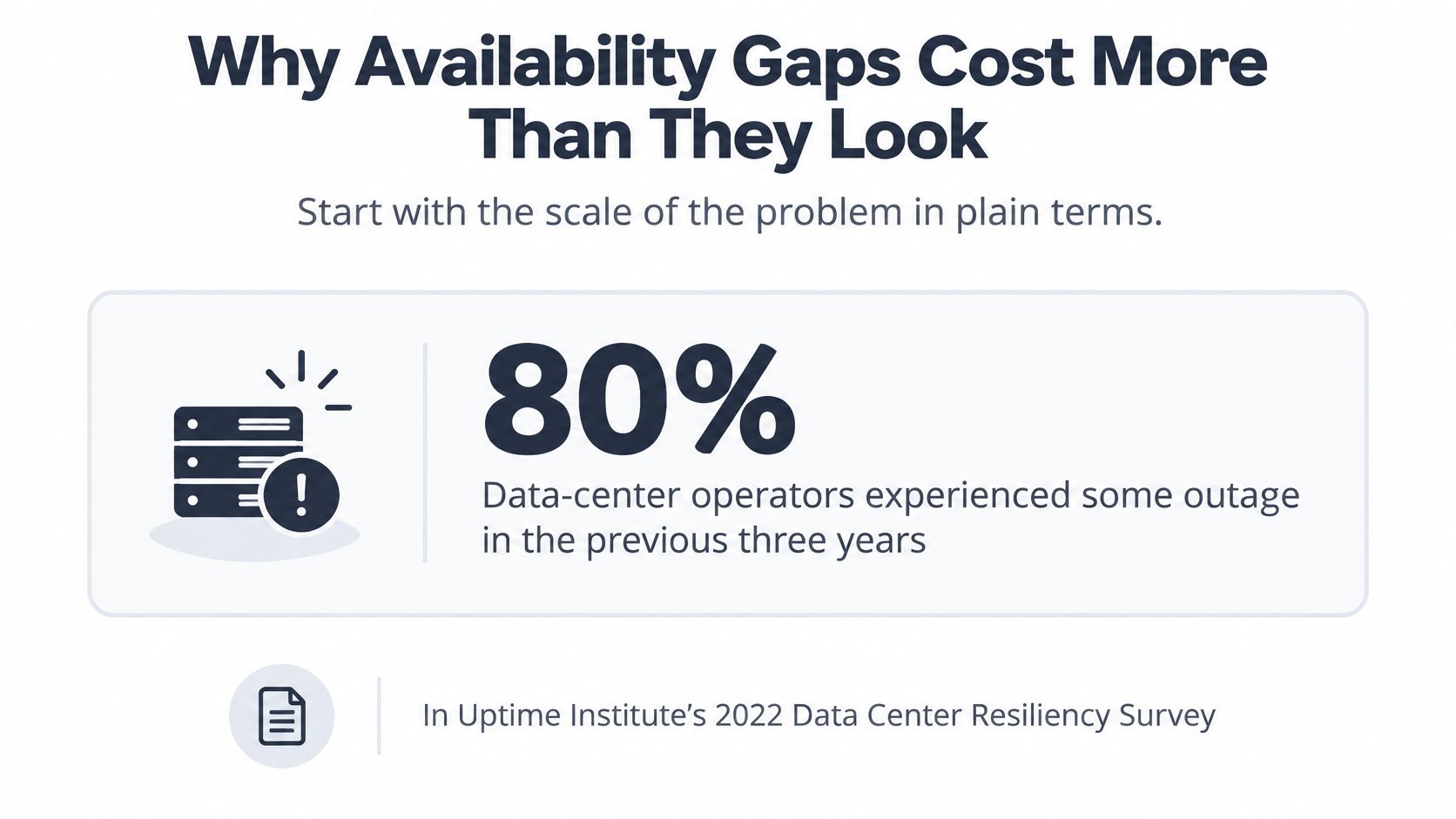
The cost of a gap depends on more than how long it lasts. A busy-period phone outage can leave a customer without an answer while a quieter-period interruption may have little effect. Recovery matters too: a caller who gets a useful response and a clear next step may still become a suitable booking.
For a small firm, the gap might be an unanswered phone, an inaccessible calendar, or an unattended inbox. The costs can include an unbooked job, time spent returning calls between jobs, and follow-up that arrives after the customer has chosen another provider. Measure completed, suitable appointments, not open calendar slots alone. A slot has value only if the right service can be delivered on time.
Set a recovery route for each point of failure:
- Phone unavailable: Redirect calls to an alternative answering path.
- Calendar unavailable: Capture appointment requests without presenting them as confirmed.
- Staff unavailable: Assign a named backup for urgent callbacks.
The aim is to keep enquiries moving toward a suitable appointment or a clear response, even when the usual route is unavailable.
How to Set Availability Rules That Hold
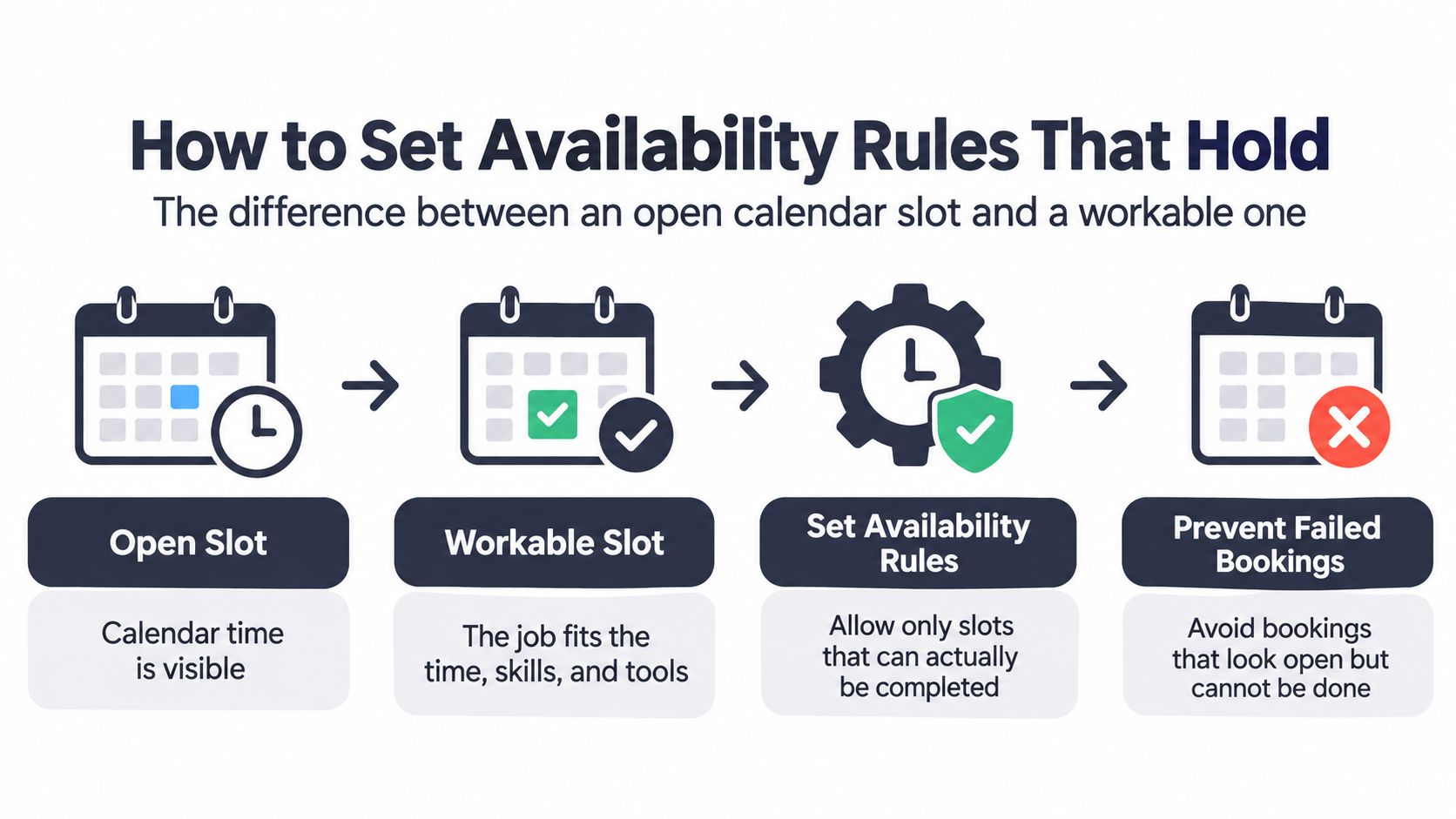
A calendar gap only becomes a workable slot once the required skill, preparation, location, and equipment fit. A free hour beside a confirmed job still fails the customer if the right person is booked elsewhere or the visit needs preparation nobody scheduled.
Healthcare shows how often the choice fails before the slot does: 80% of patients wanted to schedule from home or mobile devices, yet 55% were unsure how to use self-scheduling, according to MGMA's discussion of new-patient appointment access. Customers still need help choosing the right service. A booking path that offers every open gap to every caller fills the diary with appointments that were technically confirmed and practically unworkable.
Build a shared booking rulebook
- List every request channel. Include phone, web forms, email, chat, walk-ins, and after-hours contact. Assign an owner to each. The usual slip is treating an inbox as monitored because everyone can access it.
- Define service duration and buffer time. Separate an estimate, diagnostic visit, repair, and follow-up. A hypothetical 45-minute visit cannot fit a 30-minute gap. Travel and cleanup buffers exist so the next promise holds; removing them to squeeze in one more booking just moves the failure to later in the day.
- Write eligibility and preparation rules. Specify service area, job scope, required information, access arrangements, and anything the customer must prepare. A dental appointment may need a particular clinician; a repair may need equipment details. The common mistake is confirming first and checking suitability later.
- Grade the promise. Mark slots bookable, likely on time, or guaranteed. Bookable means the request meets booking conditions, not that punctual arrival is assured. Likely on time means the operational plan supports the stated window. Reserve guaranteed for commitments backed by protected capacity and a contingency.
- Set waitlist and cancellation rules. Record service fit, availability, permission to contact, and the order in which people receive an opening. Give offers an explicit expiry before approaching someone else. Otherwise, staff can accidentally promise the same cancellation slot to competing customers.
- Define escalation triggers. Emergencies, complaints, unusual requests, and uncertainty need named destinations. Configure call routing rules around responsibility, not merely who happens to answer. An emergency route without a backup person is incomplete.
- Publish identical rules everywhere. Align the phone script, website, booking form, and calendar. Appoint someone to update them when conditions change. A phone script must not call an appointment guaranteed when the calendar marks it provisional.
Test the promises before publishing them
Run five real requests through the rules as an operational test. Include an ordinary booking, an unsuitable request, a cancellation opening, an urgent enquiry, and a request in a language your customers use.
For each, check whether the customer receives the correct service, a realistic promise, and an identifiable next step. The standard is a completed, suitable appointment, not a filled slot. If staff must improvise to finish the booking, repair the rule before expanding access.
Handling Overruns, Cancellations and Uncertainty
Salesforce's field-service analysis reports that 47% of field-service appointments don't go as scheduled, and that making an appointment averages 17 minutes, changing one 15 minutes, and handling a cancellation 12 minutes.
Admin time per appointment event
| Event | Time per event | Planning implication |
|---|---|---|
| Making an appointment | 17 minutes | Batch new bookings into one daily block |
| Changing an appointment | 15 minutes | Log every reschedule to spot repeat changes |
| Handling a cancellation | 12 minutes | Keep a waitlist to refill the slot quickly |
Batch back-office processing, but acknowledge each request immediately. Someone still needs to capture the request, check service fit, and explain when confirmation will follow; time saved by grouping admin disappears if customers have to chase for a first response.
Protect the next appointment
Say an electrical fault takes longer to diagnose than expected. The electrician misses the next departure time, cannot answer while testing, and leaves the office to explain a delay without knowing the revised arrival window.
A fully packed diary gives nobody room to recover. Add buffers after uncertain work, cluster visits geographically, match skills before offering slots, and confirm parts readiness before promising a repair instead of a diagnostic visit.
A tightly packed calendar can create less deliverable availability than a calendar with protected gaps.
Keep a reason code for each disruption: travel, scope change, missing parts, customer access, or staffing. Adjust the relevant booking rule instead of adding the same buffer to every service and unnecessarily reducing capacity. Judge the day by completed, suitable appointments, not by how full the calendar looked at 8 a.m.
Match confidence to the customer's options
| Slot condition | Customer-facing action |
|---|---|
| Bookable, but no recovery buffer | Offer a callback once the preceding job's finish is clearer |
| Likely on time | Offer an arrival window, such as a 1 to 3 p.m. visit |
| Guaranteed with protected capacity | Confirm the commitment and any previously agreed priority charge |
| Usual technician delayed | Offer a suitably qualified alternative with the customer's agreement |
Attach a priority or emergency charge only to terms the customer accepted in advance, backed by a credible plan to deliver.
Set the team's notification trigger at 30 minutes over the planned finish. Contact the next customer before they chase, and use a documented escalation call-handling process when the delay affects an urgent need.
Where AI Fits and When It Hands Off
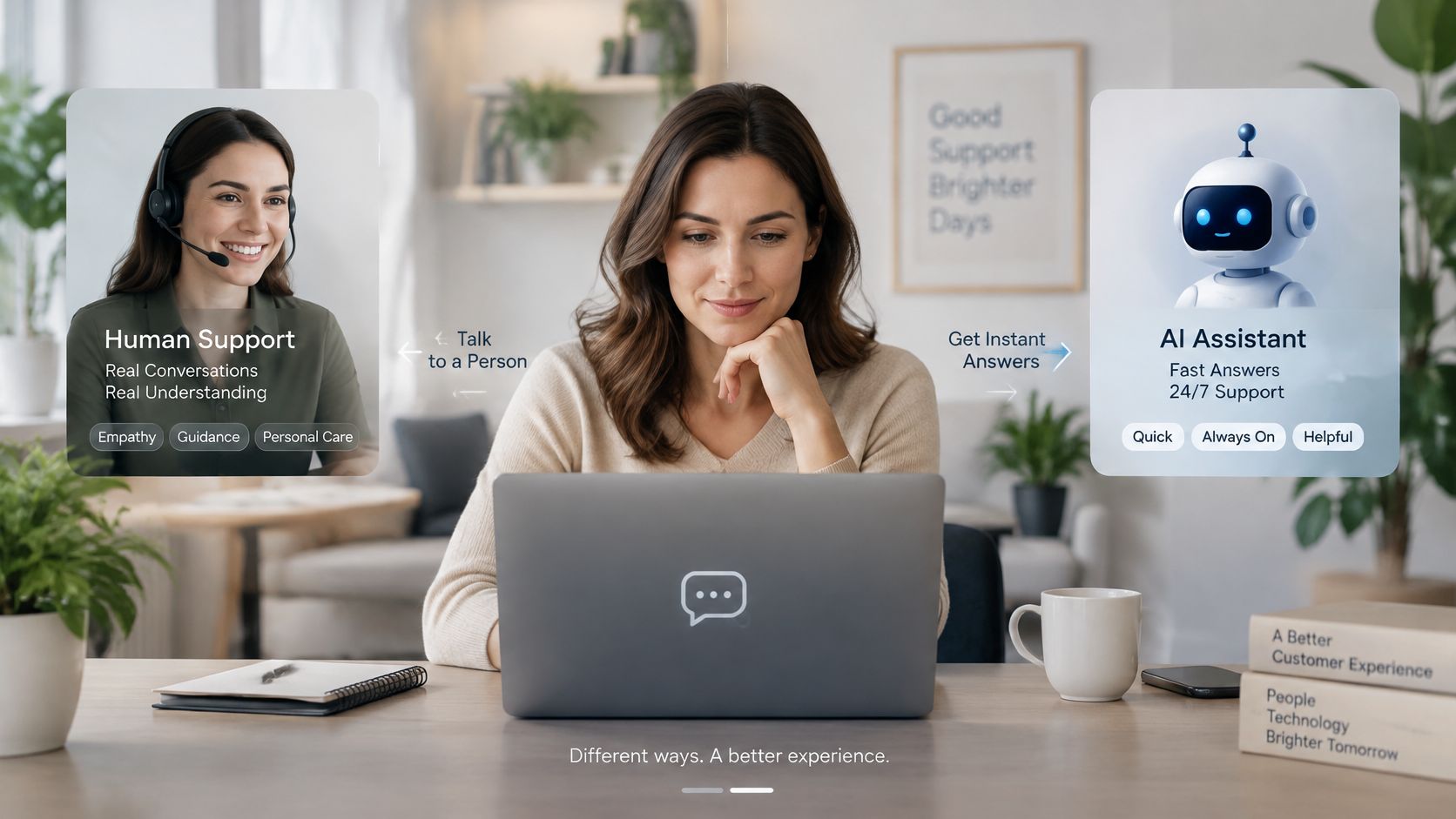
The choice isn't between human service and automation for everything. In a 2023 SurveyMonkey survey, 90% of Americans preferred human customer-service agents, while respondents who preferred AI cited better availability (41%), greater speed (37%), and more accurate information (30%).
Those preferences support a division of work. Let AI handle a defined set of routine enquiries immediately, while people retain responsibility for judgement, exceptions, disputes, and sensitive conversations.
Start with work that has clear answers
A dental practice's front desk is busy at lunch. An assistant can explain opening hours, check eligible calendar slots, book routine appointments, and capture questions that need the receptionist. It shouldn't improvise clinical advice or decide that a complex procedure fits a routine appointment.
An electrician working on a roof cannot safely pick up. An assistant can capture the location and job description, explain the approved service area, check appointment availability, and distinguish a routine estimate from an urgent call under the business's rules.
rednea is one example of this model: our assistant handles common calls, books free calendar slots using the business's durations and buffers, and transfers the calls the business has instructed it to transfer. If it cannot answer, it takes a message or forwards the call according to the business's settings, so the call isn't lost. The business keeps control of those rules.
Language support belongs in the same controlled workflow. Let callers speak in their own language where supported, but test service terminology, addresses, and handoff summaries rather than assuming a translated greeting proves the whole conversation works.
Make the exit to a person short
A 2026 consumer study reported by Cord Cutters News found that 92% of consumers give AI customer service fewer than 10 minutes before asking for a human; 46% rated their most recent AI experience positively, compared with 68% for phone support. The study surveyed consumers and business decision-makers across the United States, United Kingdom, and Germany.
Don't treat that patience limit as permission to keep callers in automation. Use explicit operating rules.
Escalation triggers and required action
| Trigger | Action | Timing |
|---|---|---|
| Caller asks for a person | Transfer or take a callback | Immediately |
| Two failed attempts to understand the request | Transfer or create a priority task | After the second failure |
| Safety, emergency or active damage | Transfer to the person on call | Immediately |
| Complaint or dispute | Pass to a human with full context | Same business day |
| Request outside approved knowledge | Take a detailed message | During the call |
| High-value or legally sensitive request | Create a priority task for review | During the same call |
For immediate danger, the script must also direct callers to the appropriate emergency service rather than imply that a technician transfer replaces emergency assistance.
Pass the receiving person the caller's name, reason, urgency, location, relevant history, and preferred callback time. Restrict sensitive details to what the person needs.
Review transfer rate, unresolved-call rate, and repeat-caller rate weekly. Begin with routine calls, fix misunderstanding patterns, and widen the assistant's role only when outcomes remain dependable. AI is good enough to complement staff when the scope is clear, not when it's expected to guess.
Evaluating Tools and Metrics for Availability
A sound evaluation answers one question: can this tool keep the promises your calendar makes? Feature lists say little about that, so score candidates on the checks below, then prove them in a bounded pilot.
Evaluation criteria for availability tools
| Criterion | What to check | Target |
|---|---|---|
| After-hours coverage | Contacts handled outside working hours | Every advertised contact period has an answering path |
| Calendar fit | Bookings respect real duration and buffer time | No bookings outside approved service rules |
| Slot grading | How openings are presented to callers | Each slot labeled bookable, likely on time, or guaranteed |
| Language coverage | Languages the assistant can handle | The languages your customers actually use |
| Escalation configuration | Triggers you can define and edit | Rules cover your emergency list and transfer preferences |
| Handoff summary | Context passed with a transferred call | The receiving person gets enough detail to act |
Answer rate, transfer rate and completed appointments keep the definitions from the KPI section. The criteria above test whether a tool can sustain those numbers under real conditions.
Run a bounded pilot
A 30-day pilot gives the tool enough routine calls and edge cases to judge fairly. Record your baseline first, then compare equivalent opening hours and contact types. Keep human answers, automated handling, and abandoned calls distinguishable throughout.
Test two-way calendar updates, after-hours answering, realistic language coverage, configurable escalation, and the handoff summary during the trial. Reporting should connect the original enquiry to the eventual outcome; call-reporting practices pay off only when someone acts on the exceptions.
Raw answer counts flatter weak tools. A system that picks up fast but books the wrong service moves work from reception into corrections, so judge the pilot on the completed-appointment measure defined earlier. Keep a human fallback, and decide before launch which failures pause the pilot, such as a missed emergency transfer or repeated invalid bookings.
Check whether customers can use it
In Experian Health's 2024 patient-access survey, 89% of patients said scheduling appointments at any time through online or mobile tools was important. Yet only 11% of medical-group leaders said a majority of their patients self-scheduled digitally in a 2024 MGMA Stat poll of 318 respondents.
Treat the two surveys as separate signals, since they do not measure the same conversion. The buying lesson is practical: during the pilot, watch whether a caller can complete the task inside the tool, because a feature that exists on the spec sheet can still be one customers abandon.
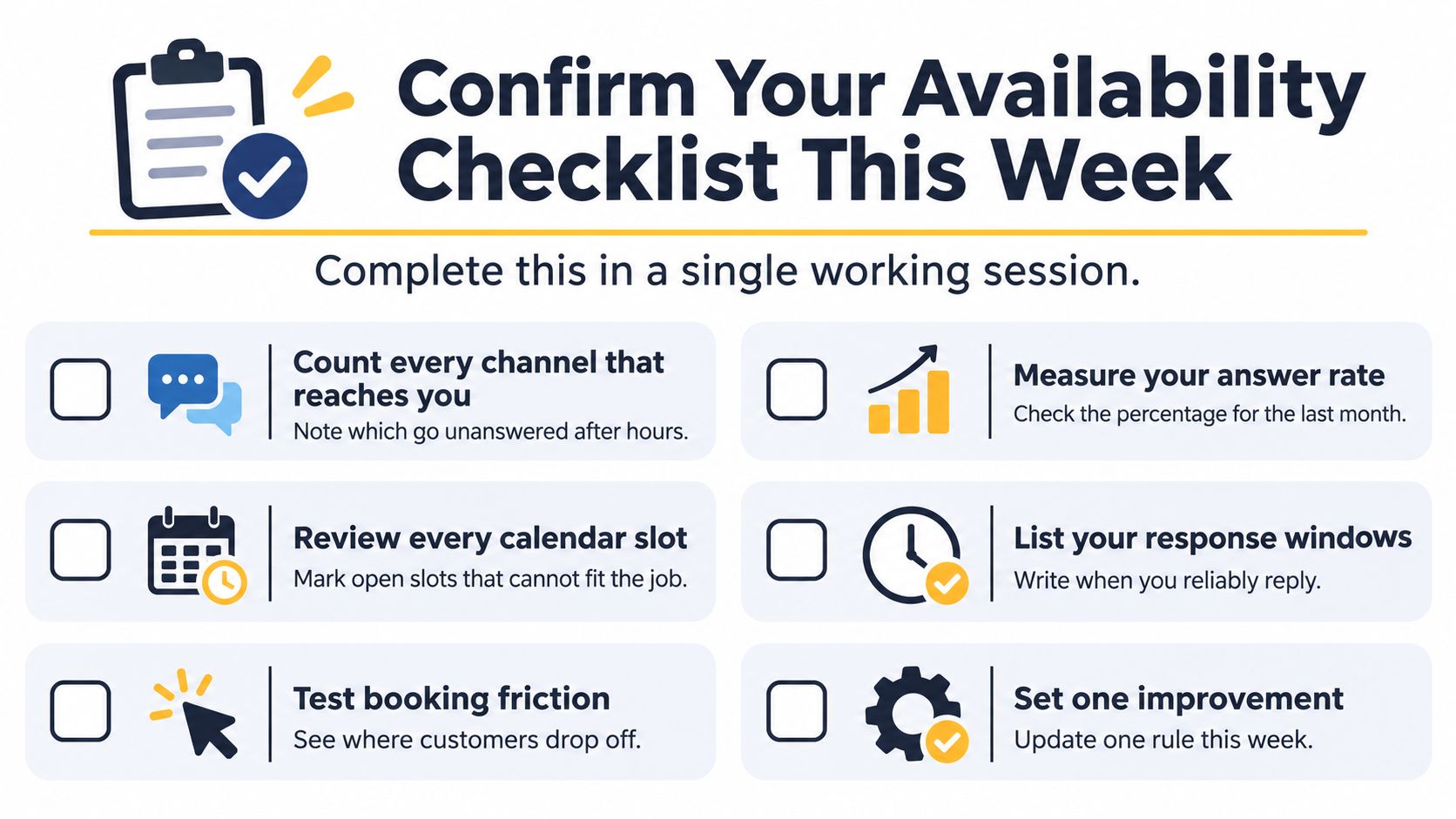
Confirm Your Availability Checklist This Week
- [ ] Map every incoming channel. Record who owns it, when they monitor it, and what happens after hours. Include contact forms and shared inboxes that staff assume someone else checks.
- [ ] Measure recent answering performance. Use the last month's call records and separate live answers, automated responses, abandoned calls, and repeat attempts. Compare like-for-like measures rather than treating every answered call as resolved.
- [ ] Write your service definitions. Give each service its actual duration, preparation requirements, and buffer. Identify calendar gaps that look open but cannot accommodate the work.
- [ ] Label the customer promise. Mark slots bookable, likely on time, or guaranteed. Check that confirmations state an arrival window or confirmed appointment accurately.
- [ ] Choose initial escalation triggers. Start with a request for a person and your own emergency list. Define the receiving person, backup route, and context they'll receive.
- [ ] Put the review in the diary. Assign an owner to run the weekly review set out in the AI section, and end each session with a specific rule or knowledge correction.
Put responsibility behind the settings
Your emergency list should use words customers say, such as no heat, no water, active leak, gas smell, or storm damage. We use the business's own list and transfer those calls immediately to the technician on call; make sure that person and their backup know they're responsible.
Our team handles setup, which is ready in 30 minutes, and settings can be adjusted at any time, with each change applying from the next call. A business can be live within 24 hours, keeping its existing number and arranging forwarding through its phone provider.
If missed calls and after-hours enquiries are your biggest gap, start with that narrow workflow rather than redesigning all customer service. Run the five-request test you applied when setting your availability rules before relying on it, then give someone ownership of every callback. A callback without an owner is a missed call with extra steps.
---
rednea answers calls around the clock, checks free calendar slots, and sends concise email summaries with optional SMS, while your team controls booking rules and exceptions. Visit rednea to arrange setup around your service durations, language needs, and emergency handoff rules.
Try rednea, no strings attached
AI phone assistant for business. Hear a live demo in your browser, book a call with our team, or get started — from £90/month, cancel monthly, no minimum term.
GDPR-compliant · EU & UK GDPR · Multilingual